

Tegas Logo
AI video script generator

Generate a video script with AI

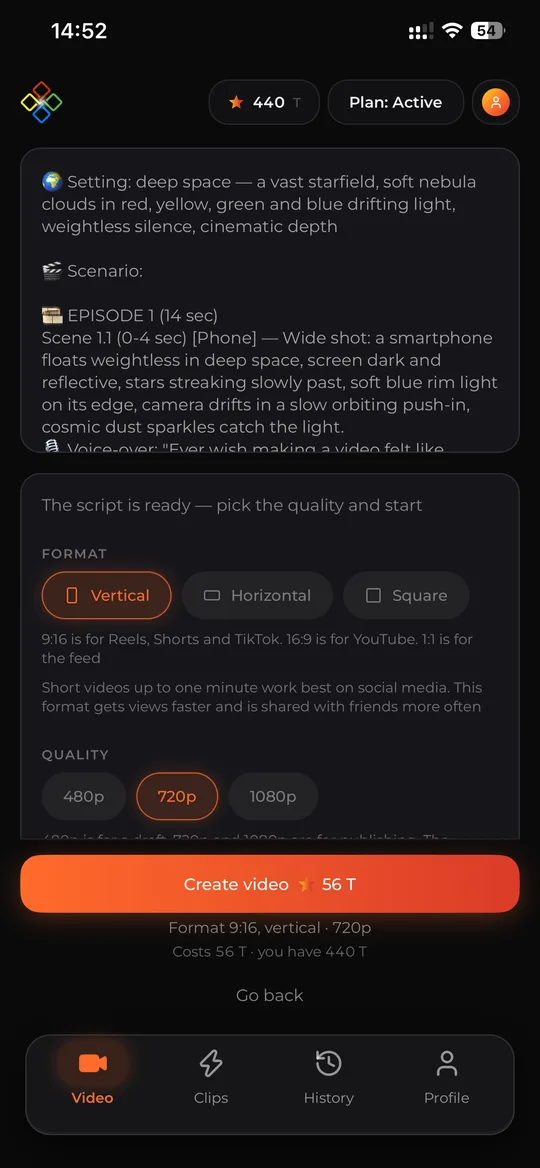
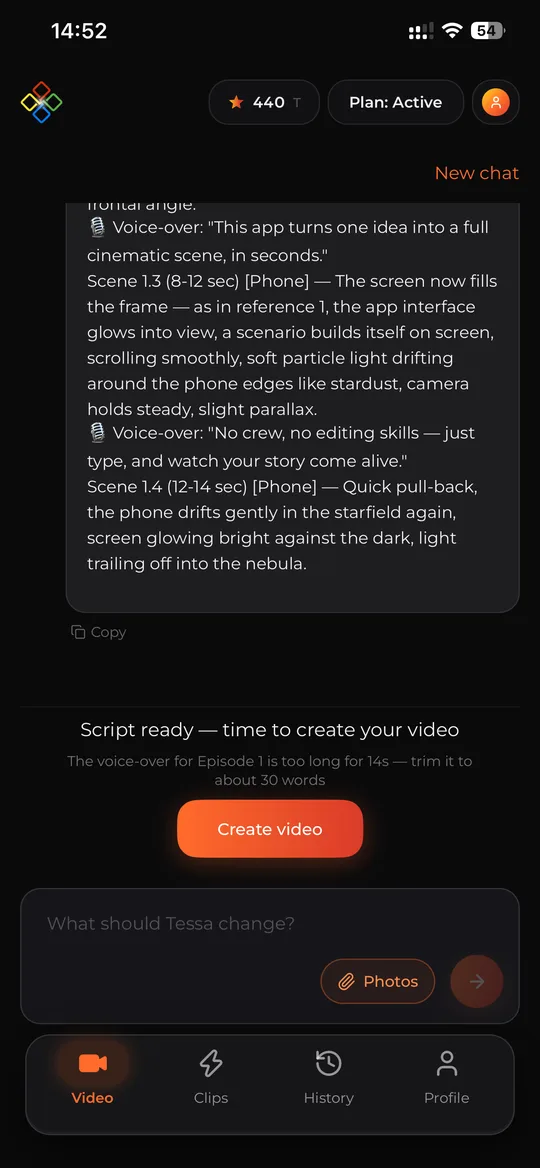
Describe your idea in your own words — Tessa, the AI assistant, asks a couple of questions and writes a scene-by-scene script: what’s on screen and what’s said. Copy the text or turn it into a finished video in one click.
Video from the script🔇 Tap for sound
A script by Tessa in Tegas
Script

1 line

is enough to start

scene by scene

visuals, voiceover and timing of each scene

1 click

from script to finished video
How it works

How to write a video script in 3 steps

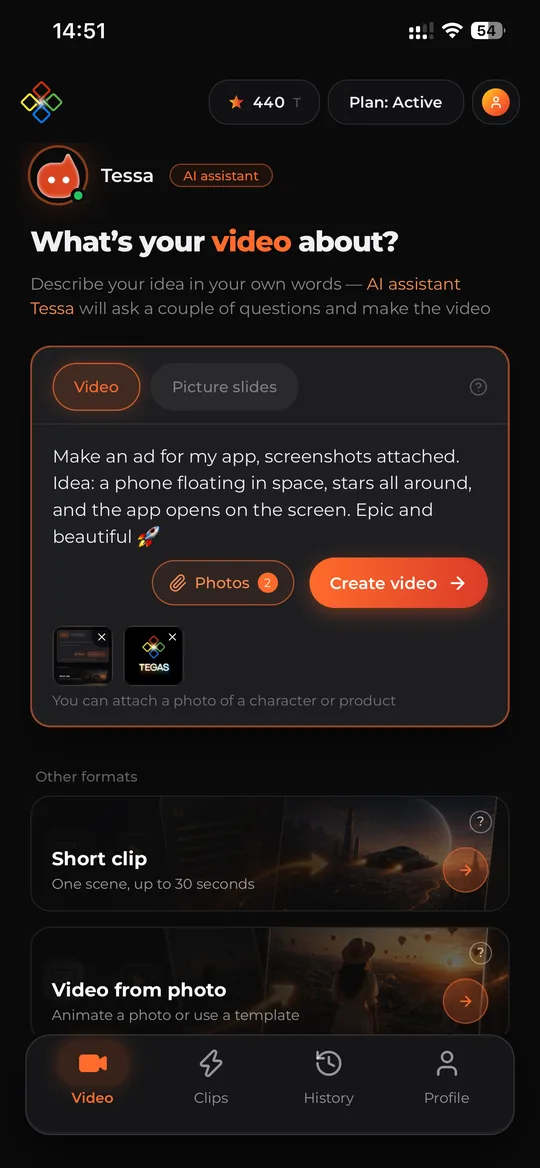
You don’t need to know how scripts work. Write your idea like a message to a friend — Tessa splits it into scenes, writes the voiceover and makes sure it fits each scene.

+

Step 01

Attach photos — optional

A character, a product, screenshots or a logo. Tessa will describe them and use them in the script. No photos? Characters are drawn from your description.

Tessa

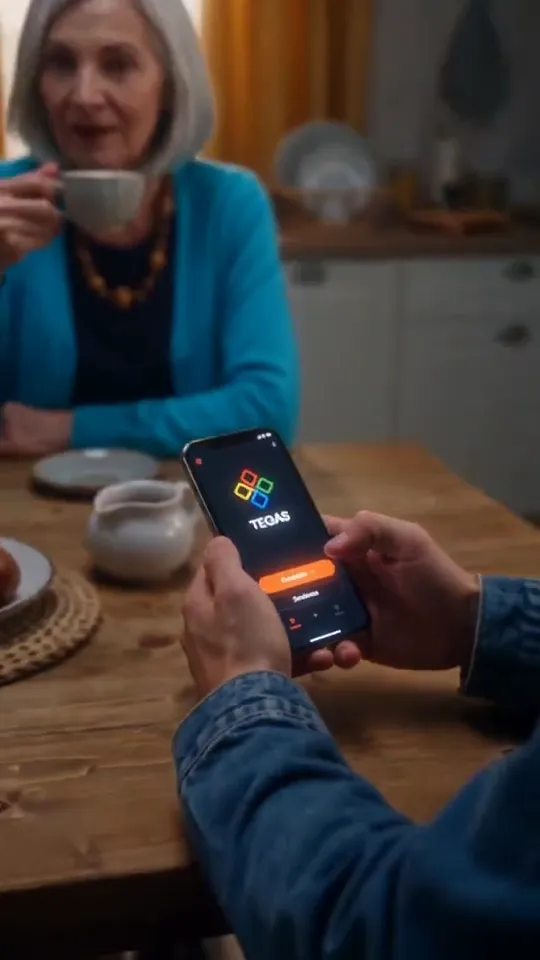
An ad for my app: a phone floating in space, stars flying around, the app opening on the screen

Step 02

Describe your idea

What the video is about, who it’s for, what mood you want. Tessa asks a couple of questions — or tap “Done, build the script” and she’ll decide herself.

▶script.txt
CopyEditCreate video

Step 03

Get your script

Scenes with what’s on screen and the voiceover. Ask Tessa to change any scene in the chat, copy the text or create the video right away.

Who it’s for

Who the script generator is for

When you have an idea but no time to break it down shot by shot.

Creators and experts

Creators, experts, course authors

An episode topic → a script with lines. Film it yourself or build the video in Tegas right away.

Marketing and agencies

Social media managers, marketers, agencies

A client brief → several script options in minutes. Easy to get sign-off before any shoot.

Business

Small businesses and products

Ads for a product, an app or a service: Tessa comes up with the story and puts your logo in the right scene.

Result

What you get

Not a generic “intro — body — outro” outline, but a script you can shoot from right away.

Scene by scene

  • →What happens on screen
  • →Voiceover lines for every scene
  • →Timing of every scene

Fits the video length

  • →Tessa warns you if a line is too long for its scene
  • →Change any scene in the chat
  • →Your photos and logo in the right scenes

Then — your choice

  • →Copy the text
  • →Create a video from the script
  • →Find the script later in History

Examples

Videos made from Tessa’s scripts

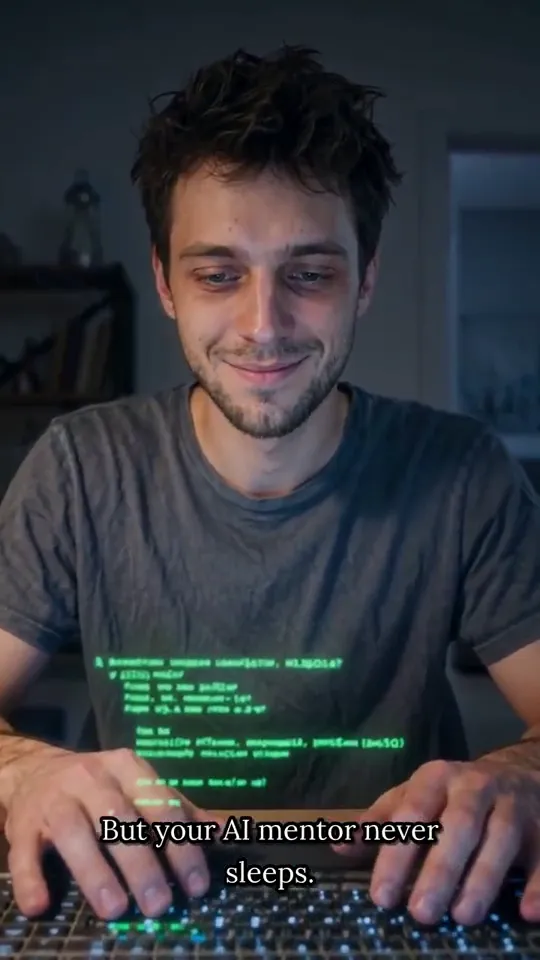
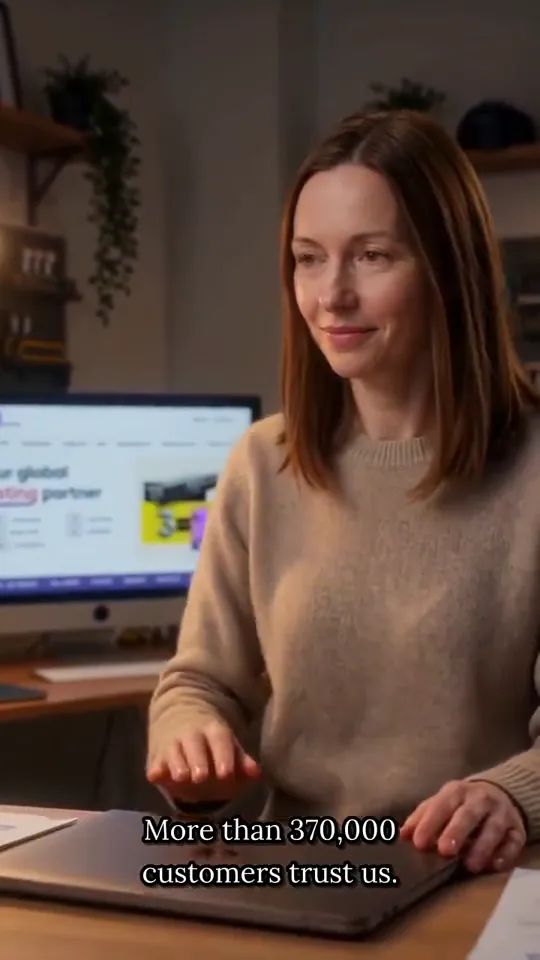
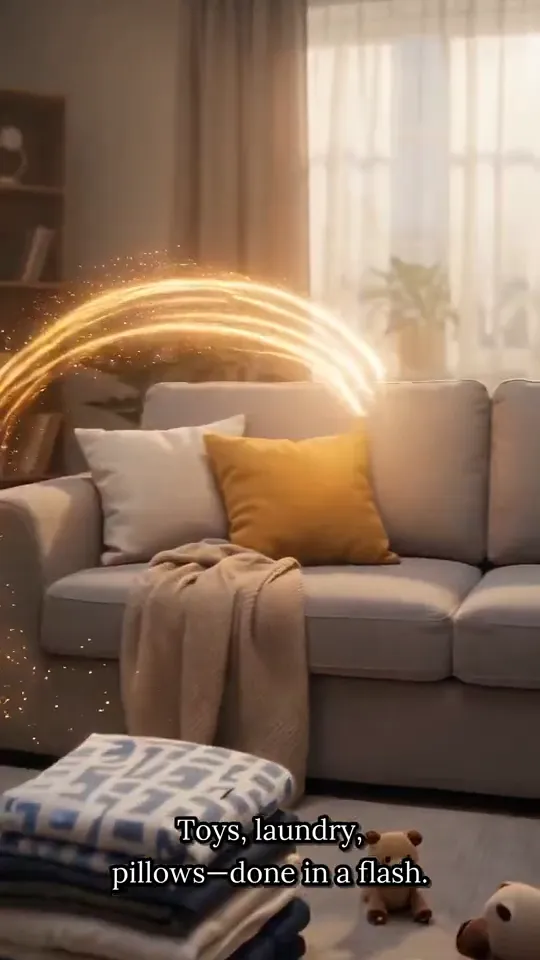
Every video below was made in Tegas from a script written by Tessa.

tap
Type:
hero story
Goal:
from a late-night bug to a first job in tech
tap
Type:
brand ad
Goal:
show the scale: 80 locations in 41 countries
tap
Type:
app ad with the screen in the frame
Goal:
show how the app saves time
tap
Type:
ad with humor
Goal:
a simple idea turns into a little movie

Comparison

How Tegas differs from chatbots and doing it by hand

Any chatbot can write a script, and so can you. The difference is what happens next.

All of this is in Tegas

Scene breakdown with voiceover lines✓
Voiceover fitted to scene length✓
Uses your photos and logo✓
Video from the script in the same place✓
Timeminutes

PRICING

Tegas Plans

One set of plans for the whole service — for scripts and for videos made from them.

−20% for the first 48 hours after sign-up

Active week

$7.50/week

then Active $30/mo, cancel anytime in your profile

Try a week

Everything in Active for 7 days

Best start

Active

Trying it out, a couple of videos a week

$30/mo

500 tokens / month

Get started
  • Script, video, voiceover and music
  • Editing and subtitles
  • No watermark

Pro

Running social media, a video almost every day

$80/mo

1,500 tokens / month

Get started

Everything in Active +

  • 24/7 support

Business

Teams, agencies, many clients

$230/mo

5,000 tokens / month

Get started

Everything in Pro +

  • Personal account manager
  • #1 generation priority

Features

What the script generator can do

A one-line idea

Write in any language.

Scenes and lines

What’s on screen and what’s said.

Your photos in the story

Character, product, screenshots, logo.

Ready for voiceover

Lines sized to each scene.

Edits in the chat

“Make the ending funnier” — done.

Video in one click

With voiceover, music and subtitles.

Use cases

Which videos need a script

  1. 01

    Product or service ad

    A story around the product and a call to action at the end.

  2. 02

    Reels and Shorts

    A short story with a hook in the first seconds.

  3. 03

    Explainer video

    A complex topic in simple scenes.

  4. 04
  5. 05
  6. 06

    Ready text → video

    See also: Script to video →

FAQ

Frequently asked questions

Yes. When the script is ready, tap “Copy” under it. Scripts are saved in History, so you can copy them later too.

A list of scenes. Each has its timing, a description of the shot and the voiceover line. Hand it to a camera operator or turn it into a video in Tegas.

Yes. Tell Tessa in the chat what to change: “add a scene with the logo”, “shorten the voiceover”, “make it funnier”. She rewrites what’s needed.

The one you write in. The video voiceover can be in English, Spanish, French, German, Turkish or Russian.

Here Tessa writes the script for you from a short idea. Script to video is for when you already have the text and need a video from it.

Plans start at $30/month and include tokens. See the pricing section for details.

Write a script with Tessa now

One line about your idea — and a scene-by-scene script a minute later.

AI Video Script Generator Online — Scene-by-Scene Scripts | Tegas AI