

Tegas Logo
AI video generator online

Create videos with AI — no editing, no studio

Describe your idea — the AI writes the script, builds the visuals and adds voiceover, subtitles and music. A finished video in minutes, with generation and edits in one place.
Finished video🔇
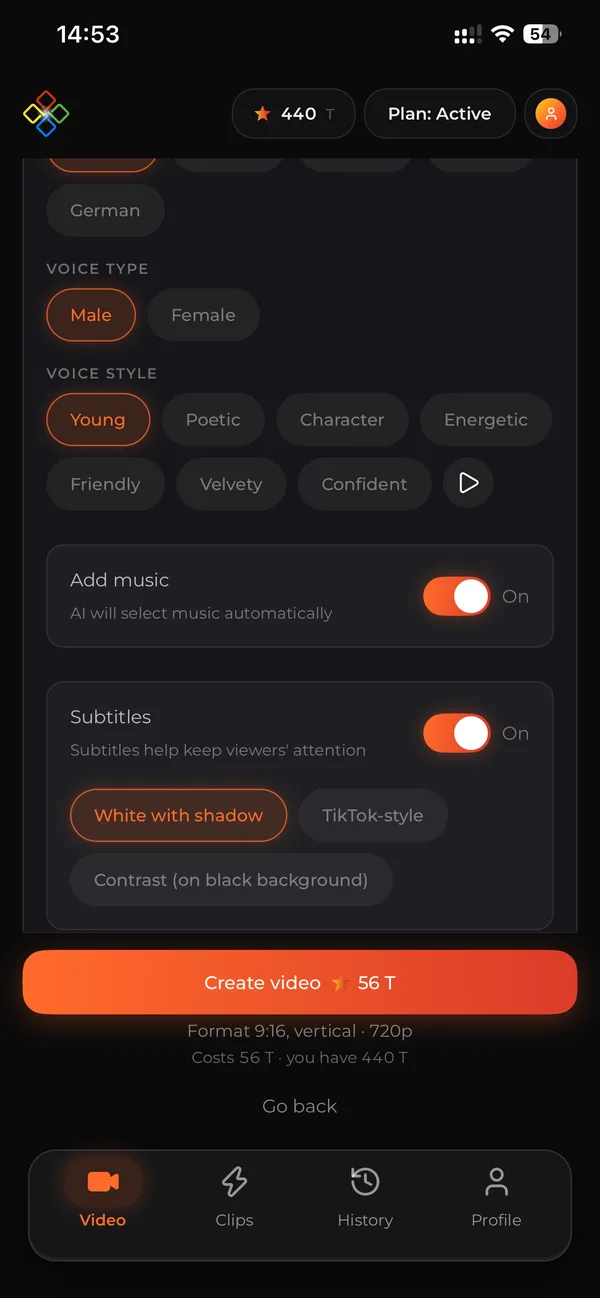
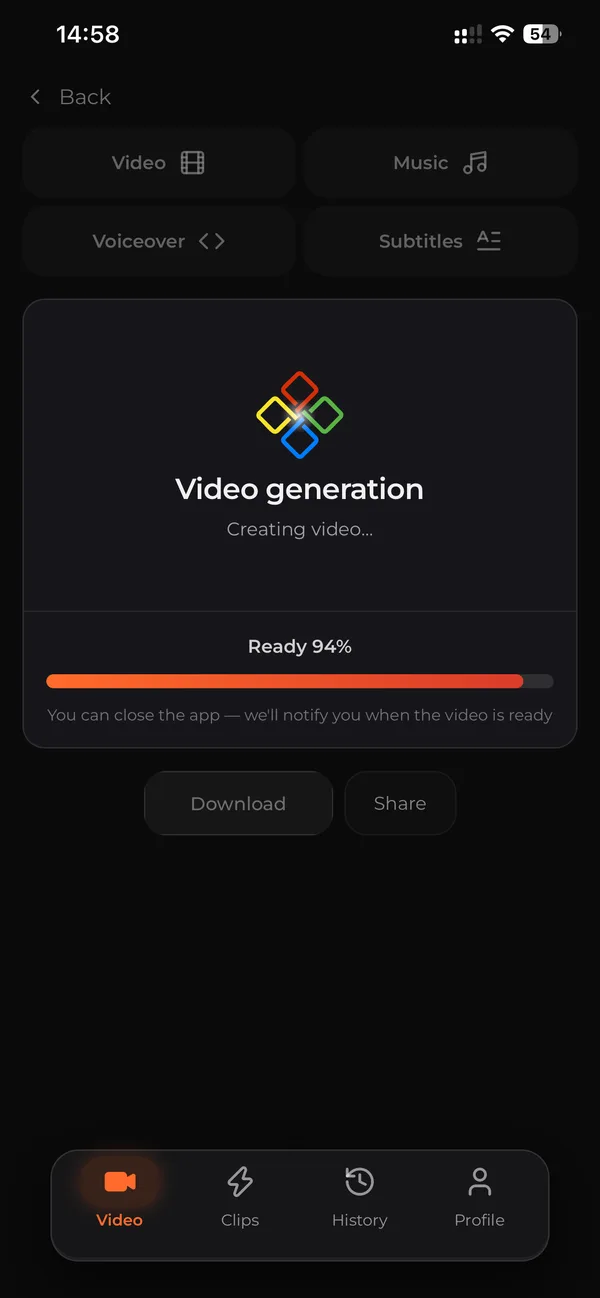
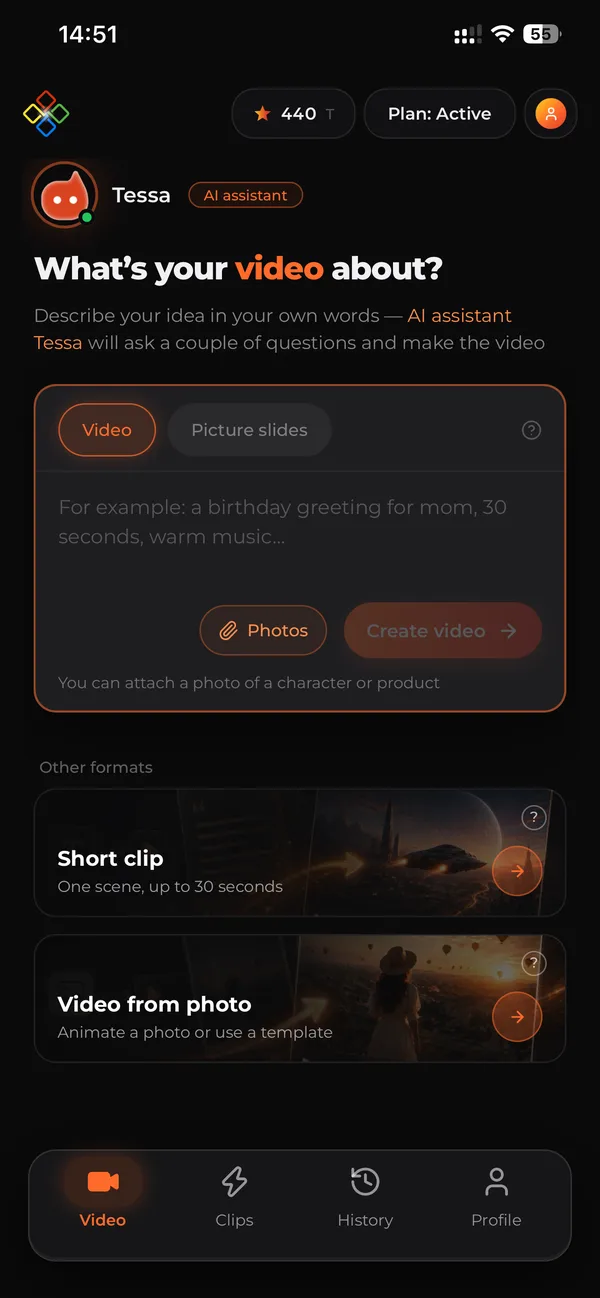
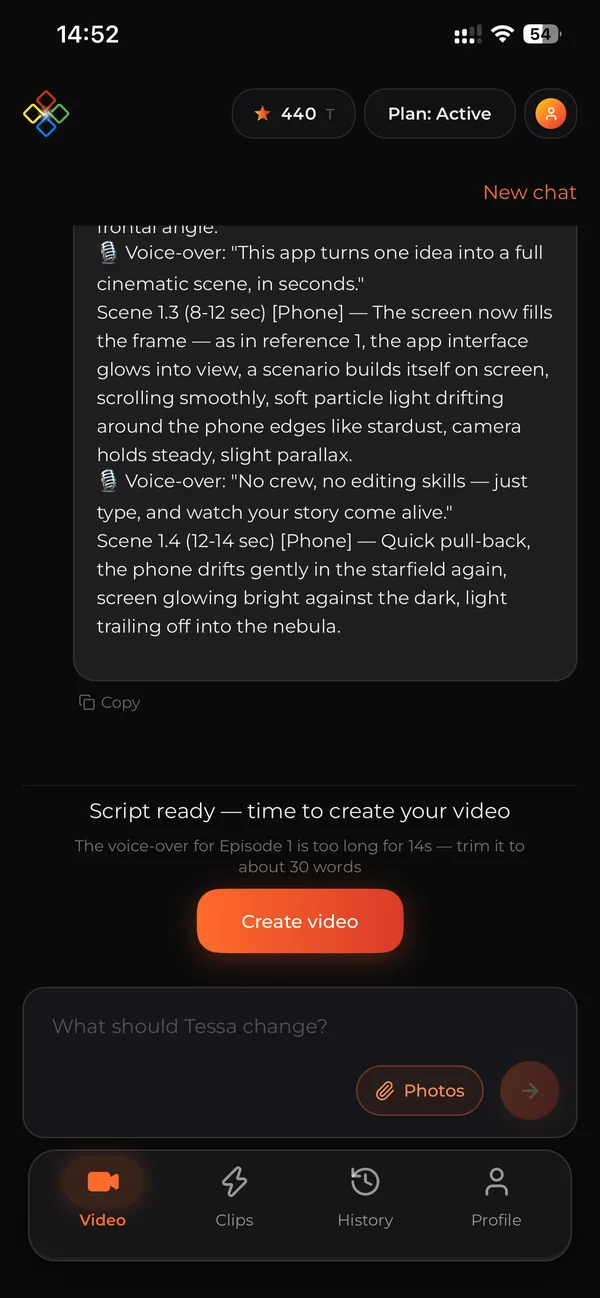
Tegas screen: “What is your video about?”Tegas screen: the script is readyTegas screen: voiceover language and voiceTegas screen: video generation
1 · Your idea in your own words

1 sentence

is all it takes to start

4-in-1

script, video, voice, subtitles

6 languages

of voiceover: English, Spanish, French, German, Turkish, Russian

from $30

a month instead of a production budget

How it works

How to generate a video with AI in 3 steps

No need to put a video together in an editing app. Describe the task in text (and add images if you like) — Tegas prepares the script, shots, voiceover, subtitles and music. After generation you can fine-tune any part.

Tegas: a video idea typed for Tessa

Step 01

Describe the video you need

Write the topic, format and mood in your own words. You can add a photo of a character, a product or a style reference — the assistant Tessa uses them in the script. Without images, the AI creates characters from your description.

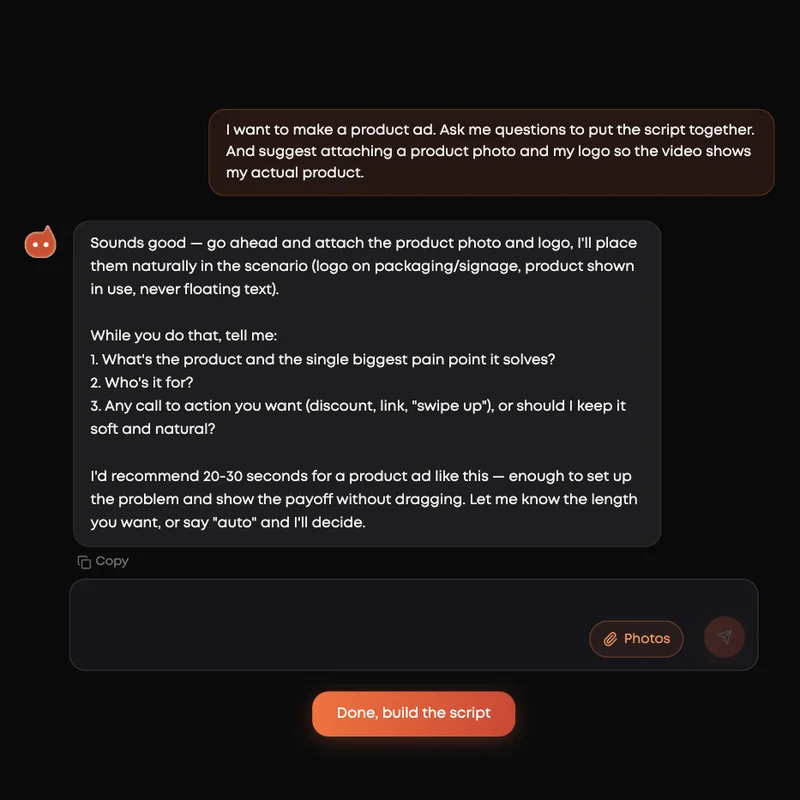
Tegas: Tessa asks a few questions before the script

Step 02

Answer Tessa’s questions

Tessa asks about the product, the audience and the length — or skips the questions and decides herself. You pick the format (9:16, 1:1, 16:9), voice, subtitles and music before launch.

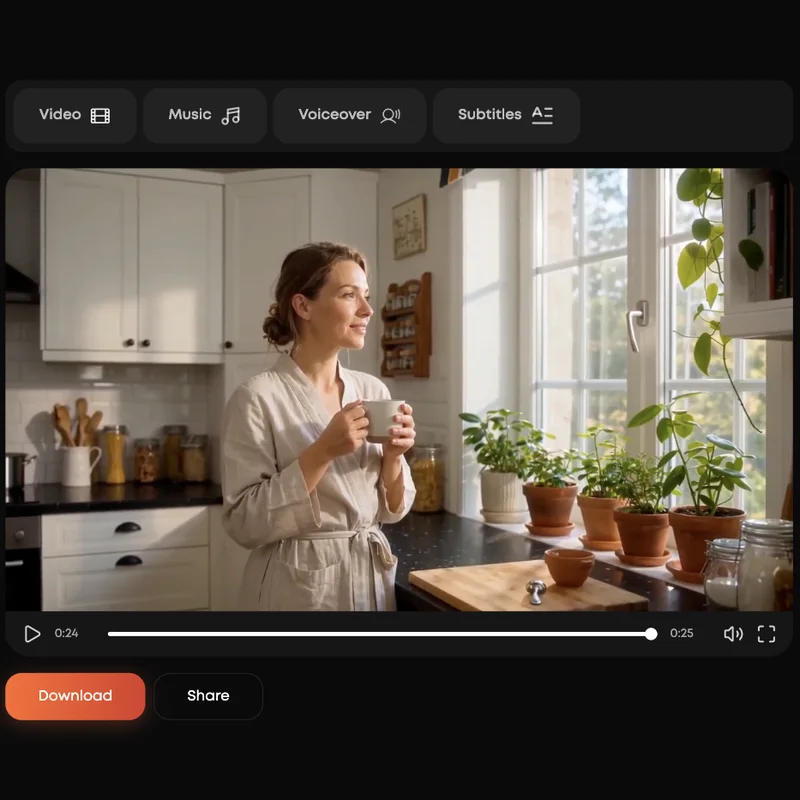
Tegas: the finished video, editor tabs and the Download button

Step 03

Download or edit

Get a finished video. Replace scenes, change the voice, music or subtitle style — no reshoot and no third-party editor.

Who it’s for

Who the AI video generator is for

If you need videos regularly and shooting and editing eat up your time and budget, the AI turns your idea into a finished video for you.

Solo experts

Experts, coaches, creators

Content for your blog and social media without a camera crew. Describe the episode — get a video with voiceover and subtitles.

Content teams

SMM, marketers, agencies

A steady flow of creatives and drafts for client tasks. Generation and quick edits instead of waiting for a video editor.

Business

Small and medium businesses

Announcements, explainer videos, content for your website and social media — without a studio. Plans from $30/month.

Result

What you get after generation

You get a finished video, not a pile of raw clips: visuals, speech, subtitles and music are already put together. Then publish it or fine-tune it in the editor.

Speed

  • →A video from text in minutes
  • →No video editor needed for the first result
  • →Formats for Reels, Shorts, YouTube and your website

Full cycle

  • →The AI assistant writes the script
  • →Voiceover in 6 languages
  • →Subtitles and music added automatically
  • →Edit scenes and sound after generation

Control

  • →Change the voice, music and shots without a reshoot
  • →Works online in your browser
  • →Plans from $30/month

Examples

Videos made with Tegas

These videos were built by the AI from a text description. This is what generation looks like: from an idea to a finished video with sound and subtitles.

tap
Type:
detective series
Goal:
the same characters from episode to episode
tap
Type:
comedy with a narrator
Goal:
a funny story from a single idea
tap
Type:
expert video
Goal:
useful tips for a blog without a shoot
tap
Type:
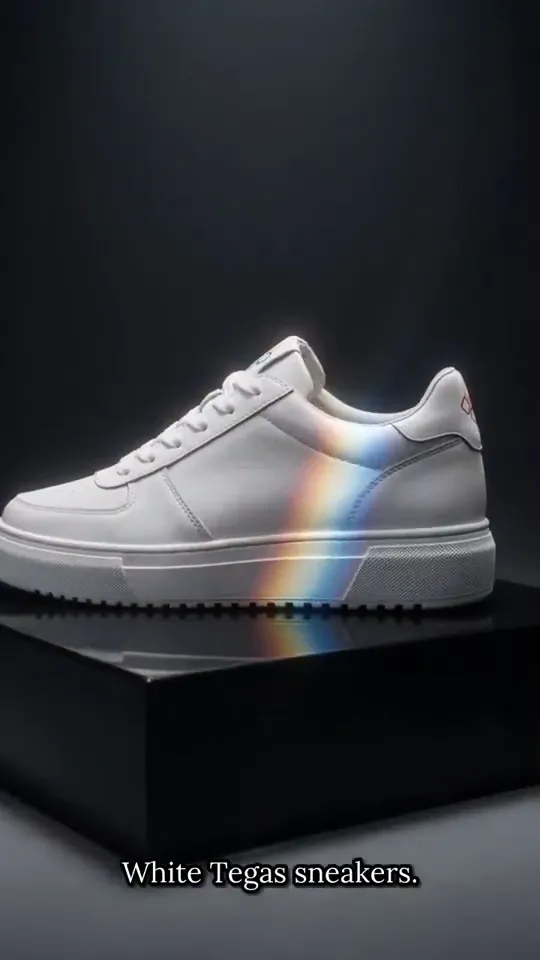
product ad
Goal:
sneakers from a photo in an ad video
tap
Type:
service promo
Goal:
explain a service in 30 seconds
tap
Type:
series finale
Goal:
wrap up the story started in episode one

Comparison

Why people choose Tegas to create videos with AI

When comparing AI video tools, what matters is not just “it can generate frames” but getting a finished video from a description — with a script, speech and room for edits. Here is how Tegas compares with typical AI generators and with manual editing or an agency.

All of this is in Tegas

Generate a new video from a text description✓
Script, visuals and voiceover in one service✓
A finished video ready to publish (not just a moving picture)✓
Works online in the browser — no software or local model to install✓
Edits after generation in the same service (scenes, voice, music, subtitles)✓
Time to the first videominutes
Cost to get startedplans from $30/mo

PRICING

Tegas Plans

Plans are the same across the whole service, including AI video generation. Choose the amount of tokens that fits the number of videos you need.

−20% for the first 48 hours after sign-up

Active week

$7.50/week

then Active $30/mo, cancel anytime in your profile

Try a week

Everything in Active for 7 days

Best start

Active

Trying it out, a couple of videos a week

$30/mo

500 tokens / month

Get started
  • Script, video, voiceover and music
  • Editing and subtitles
  • No watermark

Pro

Running social media, a video almost every day

$80/mo

1,500 tokens / month

Get started

Everything in Active +

  • 24/7 support

Business

Teams, agencies, many clients

$230/mo

5,000 tokens / month

Get started

Everything in Pro +

  • Personal account manager
  • #1 generation priority

Features

What the Tegas AI video generator can do

Here is what the Tegas AI video generator does: from the script and visuals to voiceover, subtitles and edits after generation.

Generation from text

Describe the task — get a video with a clear structure and shots.

Tessa, the AI scriptwriter

Turns a short idea into a clear script for your video.

Voiceover in 6 languages

English, Spanish, French, German, Turkish and Russian; preview the voice before you start.

Subtitles and music

Added during generation, adjustable afterwards.

Edits without a reshoot

Scenes, speech, the soundtrack and subtitle style — right in the Tegas editor.

Formats for every platform

9:16, 1:1 and 16:9 for social media, websites and presentations.

Use cases

What you can do with AI video generation

AI video generation covers many tasks — from a short post to a longer video. Pick the use case closest to your goal; for narrower formats there are dedicated tools.

  1. 01

    Social media content

    A post idea → a short video with subtitles.

  2. 02

    Explainer or expert video

    Episode talking points → a structured video with voiceover.

  3. 03

    Ad creative

    Your offer and visuals → a draft video for testing.

    See also: AI ad videos →
  4. 04

    Product presentation

    A description and photos → a video for a listing or website.

    See also: Product video →
  5. 05

    Long-form video

    A detailed script → a longer video.

  6. 06

    Video from text

    A prompt or a finished text → a ready video.

    See also: Script to video →

FAQ

Frequently asked questions

In an editor you cut clips and tracks yourself. In Tegas the video is built from your description: script, shots, voice, subtitles and music come together in one go, and you make targeted edits after generation.

No. Generation runs online in your browser. All you need is an account and a stable internet connection.

Write in English or another language you’re comfortable with. The voiceover is available in English, Spanish, French, German, Turkish and Russian.

Plans start at $30/month and include tokens. Usage depends on the length and type of video; see the pricing section for details.

Yes. After generation you can change scenes, the voiceover text, subtitles and music. No need to rebuild the project from scratch in another app.

If you want the full cycle in one product — script, visuals, voiceover, subtitles, music and edits — Tegas covers it. For narrower tasks (only a product, only an ad, only a short clip) check the related tools.

Formats are 9:16, 1:1 and 16:9. Videos made on paid plans (Active and above) have no watermark.

This is the general entry point: create or generate any video with AI. “Video from text” is a narrower case built around a prompt or a finished text; “clips” are about short vertical videos. Links to these pages are in the related tools section.

Use your own photos, logos and materials you have rights to. The models may reject third-party trademarks.

Yes, the Tegas app is on Google Play, and an App Store version is coming soon. Tegas also works well in a mobile browser.

Generate a video with AI right now

Describe your idea — get a video with a script, voiceover, subtitles and music.

AI Video Generator — Make Videos from One Prompt | Tegas AI